Amex Gift Card Balance: How to Check It Fast in 2026
Got an American Express gift card sitting in a drawer? Before you head to checkout, it pays to know exactly how much is left on it. A declined card at the register is awkward and avoidable. The good news: checking your Amex gift card balance takes less than a minute.
How do I check the balance of an Amex gift card?
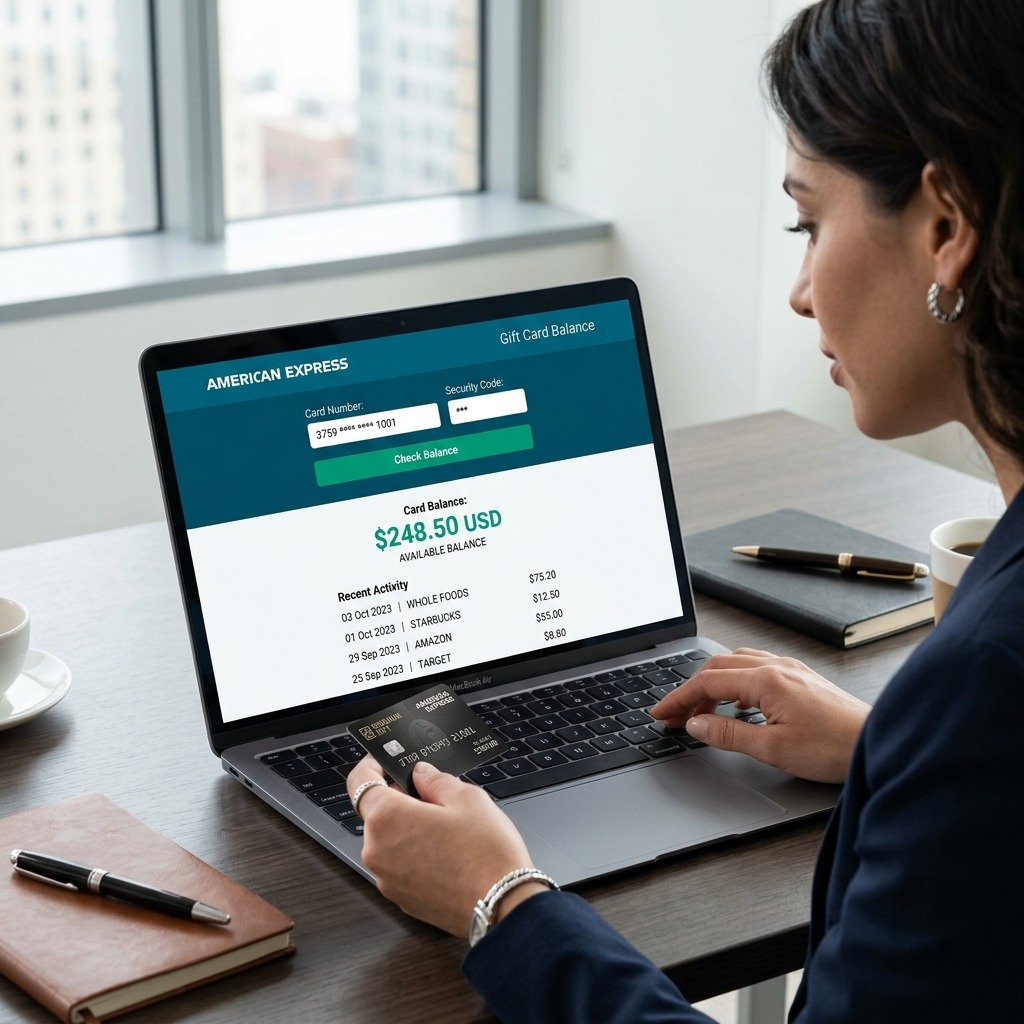
You can check your Amex gift card balance online at balance.amexgiftcard.com or americanexpress.com/mygiftcard, by phone at 1-877-294-4388, or in person at select retailers. The online method is fastest, showing your balance and full transaction history in seconds.
Here’s a quick look at your options:
|
Method |
Where to Go |
What You Need |
Best For |
|
Online |
balance.amexgiftcard.com or americanexpress.com/mygiftcard |
Card number, expiration date, security code |
Fast checks anytime |
|
Phone |
1-877-294-4388 |
Card number + PIN |
No internet access |
|
In-store |
Walmart, Target, CVS service desk |
Physical card |
Last-minute shopping |
How to check your Amex gift card balance online
The online portal is the quickest and most accurate option. Here’s how:
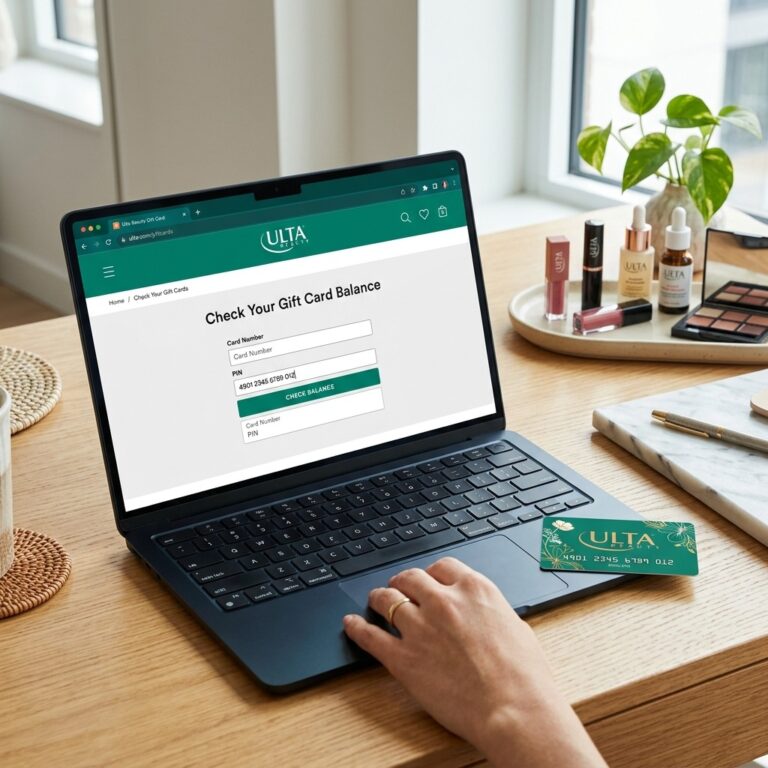
- Go to balance.amexgiftcard.com or americanexpress.com/mygiftcard.
- Complete the security check (you may see an “I am human” hCaptcha box just click the checkbox).
- Enter your card number, expiration date, and security code.
- Click Continue to view your balance and transaction history.
Note on security codes: The 3-digit code sits on the back of the card near the signature box. The 4-digit code is on the front. Some cards ask for both.
Troubleshooting tips:
- If the page won’t load, clear your browser cache or try a different device.
- Run into the hCaptcha box repeatedly? Disable browser extensions or switch browsers.
- Seeing a 503 error? The site may be busy wait a few minutes and reload.
How to check your Amex gift card balance by phone
Prefer to call? Dial 1-877-294-4388 and follow the automated prompts. Have your card number and PIN ready. This line runs 24/7 and supports multiple languages, including Spanish and French.
Can I check my gift card balance in-store?
Yes, but it depends on the retailer. Major stores like Walmart, Target, and CVS often check balances at the customer service desk just hand the associate your card. Not every location offers this, so call ahead if you’re making a special trip. Your card stays with you the whole time.
How do I register my Amex gift card with my address?
Registering your Amex gift card links your billing address to the card, which lets you shop at online stores that require a billing ZIP code. You can register during the balance check process on americanexpress.com/mygiftcard or follow the activation instructions included with your card.
Why bother registering? Many online retailers verify your billing ZIP code at checkout (this is called Address Verification System, or AVS). Without a registered address, an otherwise valid card may get declined online.
To register your card with an address:
- Visit the official Amex gift card portal.
- Enter your card details.
- Look for the option to add or update billing information.
- Enter your name and address exactly as you’d use them at checkout.
Keep that address consistent across all your online purchases to avoid declines.
How do I activate my Amex gift card?
Most American Express gift cards are ready to use right out of the package and don’t require separate activation. If your card was purchased at a retail store, the cashier typically activates it at the register. If your balance doesn’t appear online, the card may need activation check the instructions that came with it.
A quick checklist if your card seems inactive:
- Confirm the cashier activated it at purchase (check your receipt).
- Wait a few hours, then recheck the balance online.
- Still nothing? Call 1-877-294-4388 for help.
How do I use my Amex gift card online?
To use your Amex gift card online, enter the card number, expiration date, and security code at checkout, just like a regular credit card. For best results, register your billing address first so the retailer’s verification system accepts the card. Amex gift cards work at virtually any U.S. online store that accepts American Express.
Step-by-step:
- At checkout, choose American Express as your payment method.
- Type in your card number, expiration date, and security code.
- Enter the billing ZIP code you registered with the card.
- Complete your order.
Important for split payments: If your purchase costs more than your card balance, some retailers let you split the payment between your gift card and another card. Others don’t allow partial redemption online. Check the store’s policy before you try.
|
Situation |
What to Do |
|
Purchase under your balance |
Pay in full with the gift card |
|
Purchase over your balance |
Use split tender if the retailer allows it |
|
Retailer blocks partial payment |
Pay another way or buy a lower-priced item |
How do I add my Amex gift card to Apple Pay?
You can add your Amex gift card to Apple Wallet by opening the Wallet app, tapping the plus (+) sign, and scanning or manually entering your card details. Once added, you can use it for contactless payments at participating merchants. Note that digital wallets may not always show a real-time balance.
To add your card to Apple Pay:
- Open the Wallet app on your iPhone.
- Tap the + button in the top corner.
- Select Debit or Credit Card.
- Scan your card or enter the details manually.
- Follow the prompts to verify and add it.
The process is similar in Google Pay: open the app, tap Add to Wallet, then Payment card, and enter your details. Always confirm your balance on the official website before a big purchase, since wallet apps don’t always sync in real time.
Understanding your balance and transactions
Your displayed balance reflects every authorization request submitted at the time you check it. That means a pending charge can lower your available balance before the final amount posts.
A few things worth knowing:
- Authorization holds: When you swipe at a gas station or hotel, the merchant may place a temporary hold larger than your actual charge. Your available balance dips until the real amount settles.
- Transaction delays: Purchases can take up to 48 hours to appear in your history. If a recent buy isn’t showing, wait a day and recheck.
- Spotting discrepancies: If your balance looks wrong, keep your receipt. Contact American Express promptly to dispute any errors.
Do Amex gift cards expire?
The funds on American Express gift cards do not expire. However, the plastic card itself carries a “valid thru” date. If your card reaches that date with money still on it, you can request a free replacement card to access your remaining balance. The card has no fees after purchase.
One important update: effective September 1, 2025, certain Amex Gift Cards and Reward Cards purchased before December 31, 2019 with a valid-thru date on or after September 1, 2025 will no longer be usable. If you have an older card, enter its details at americanexpress.com/mygiftcard to check whether it’s affected and to get refund information.
|
Feature |
Amex Gift Card Policy |
|
Fund expiration |
Funds do not expire |
|
Card expiration |
Card shows a “valid thru” date |
|
Fees after purchase |
None |
|
Replacement for expired card |
Free, retains remaining balance |
Why won’t my Amex gift card work?
An Amex gift card usually fails for one of a few reasons: it wasn’t activated, your billing address doesn’t match, the balance is too low for the purchase, or the retailer doesn’t allow split payments. Most issues are quick to fix once you know the cause.
Common culprits and fixes:
- Not activated: Confirm activation at purchase, or call customer service.
- Address mismatch: Register your billing address and use it consistently online.
- Insufficient balance: Your purchase may cost more than what’s left try split tender.
- No partial redemption: Some online stores reject cards that can’t cover the full amount.
- Invalid card number error: Re-enter every digit carefully and check for a damaged magnetic strip.
Is Amexgiftcard.com a legitimate site?
Yes, amexgiftcard.com is the official American Express website for buying gift cards and checking balances. The balance tool lives at balance.amexgiftcard.com, and the broader balance and transaction portal is at americanexpress.com/mygiftcard. Always type the address directly to avoid phishing copycats.
To stay safe:
- Type the URL yourself instead of clicking links in emails.
- Never share your card number or PIN over email or unsecured sites.
- Look for https:// and a padlock icon in your browser bar.
Types of Amex gift cards
American Express offers a few gift card products, each suited to different needs.
|
Card Type |
Best For |
Key Notes |
|
Personal Gift Card |
Friends and family |
Physical or eGift, no usage fees |
|
Business Gift Card |
Employees and clients |
Bulk orders up to $100,000 |
|
Custom Gift Card |
Branding |
Add your own image or logo |
|
Amex Serve® |
Long-term use |
Reloadable prepaid card, may have monthly fees |
- Personal gift cards come as physical cards or eGift cards delivered by email. They’re accepted virtually anywhere American Express Cards are accepted in the U.S.
- Business gift cards support bulk and corporate orders, with a portal for managing large volumes ideal for HR teams handling employee rewards.
- Amex Serve® is a reloadable prepaid card rather than a traditional gift card. It allows recurring deposits and offers mobile app support, though monthly fees may apply.
Keeping your gift card secure
A little care goes a long way toward protecting your funds:
- Store your PIN safely. Use a password manager rather than writing it on the card.
- Save your card details. Keep the card number recorded somewhere secure in case the physical card is lost.
- Report loss immediately. If your card is lost or stolen, contact American Express right away. With your original card number and proof of purchase, you can often recover the remaining balance.
Frequently asked questions
How long does it take for a transaction to show up on my Amex gift card?
Purchases can take up to 48 hours to appear in your online transaction history. If a recent purchase isn’t showing, wait a day and check again.
Can I use my Amex gift card at an ATM?
No. American Express gift cards cannot be used at ATMs or for recurring billing. They’re designed for one-time purchases where Amex is accepted.
What’s the maximum amount I can load on an Amex business gift card order?
Business gift card bulk orders can go up to $100,000, making them well suited for corporate gifting and large employee reward programs.
Can I reload a standard Amex gift card?
No. Standard Amex gift cards are not reloadable. If you want a reloadable option, American Express Serve® allows recurring deposits.
What phone number do I call to check my balance?
Call 1-877-294-4388 for the automated balance line. For gift card questions you can also reach Amex at 1-877-297-4438, or for business gift cards at 1-800-297-7327.
Can two people use the same Amex gift card?
The card can be used by anyone who has the physical card and its details, but it works as a single balance. There’s no way to split it into separate sub-accounts.
What happens to my card after September 1, 2025, if it’s an older card?
Certain cards purchased before December 31, 2019, with a valid-thru date on or after September 1, 2025, will no longer be usable. Enter your card details at americanexpress.com/mygiftcard to check eligibility and request a refund.
Is there a fee to check my Amex gift card balance?
No. Checking your balance online or by phone is completely free, and Amex gift cards carry no usage fees after purchase.
Can I get a refund on an unused Amex gift card?
Refunds generally aren’t offered on standard purchases, but if your card is expired or affected by a policy change, you can request refund information through americanexpress.com/mygiftcard.